Transfer-market tools
Save your search filters, browse players by rating and view card prices. Snipe & Buy searches once and attempts to buy one player within your price limit.
 FUTLoom
Add to Chrome
Made for the EA FC web app
FUTLoom is a free Chrome extension for the EA FC Ultimate Team Web App. Autofill SBCs, save market searches and track your player collection.
For the Ultimate Team Web App in Chrome.
Independent and community-built. Free, with no FUTLoom account needed.
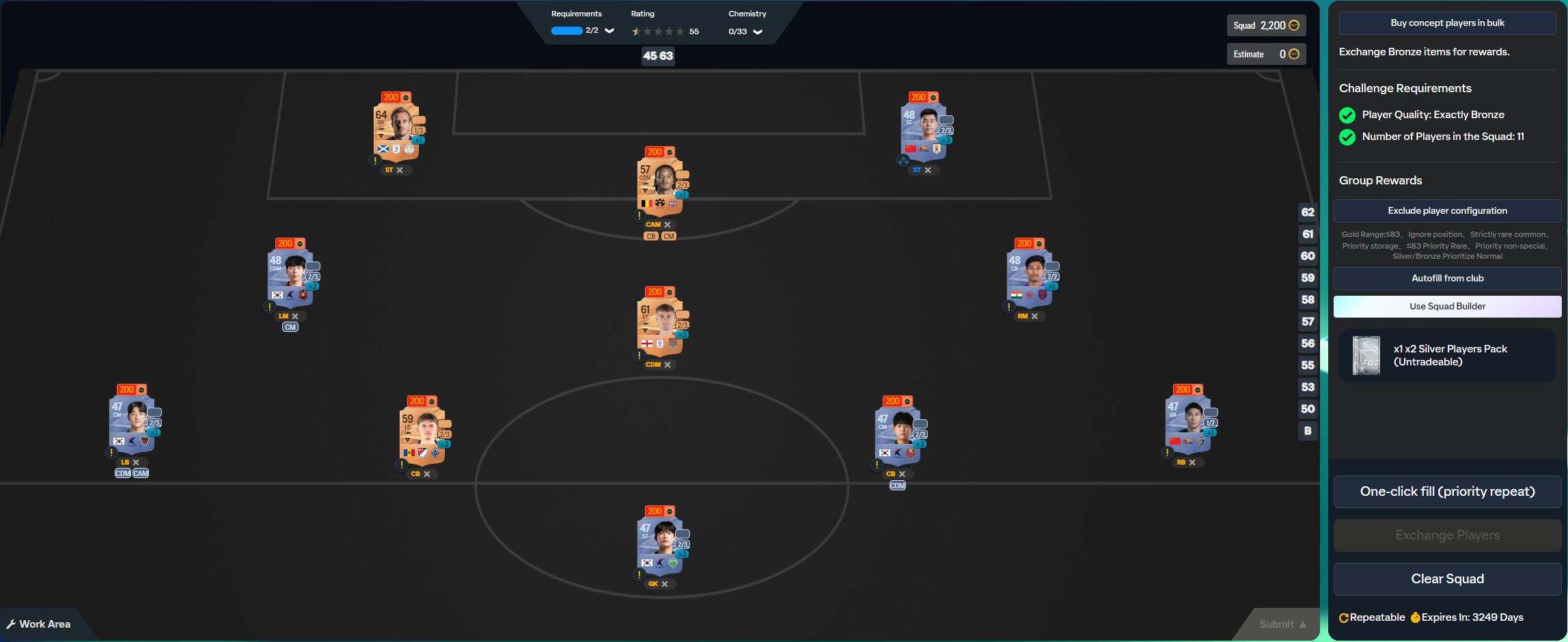
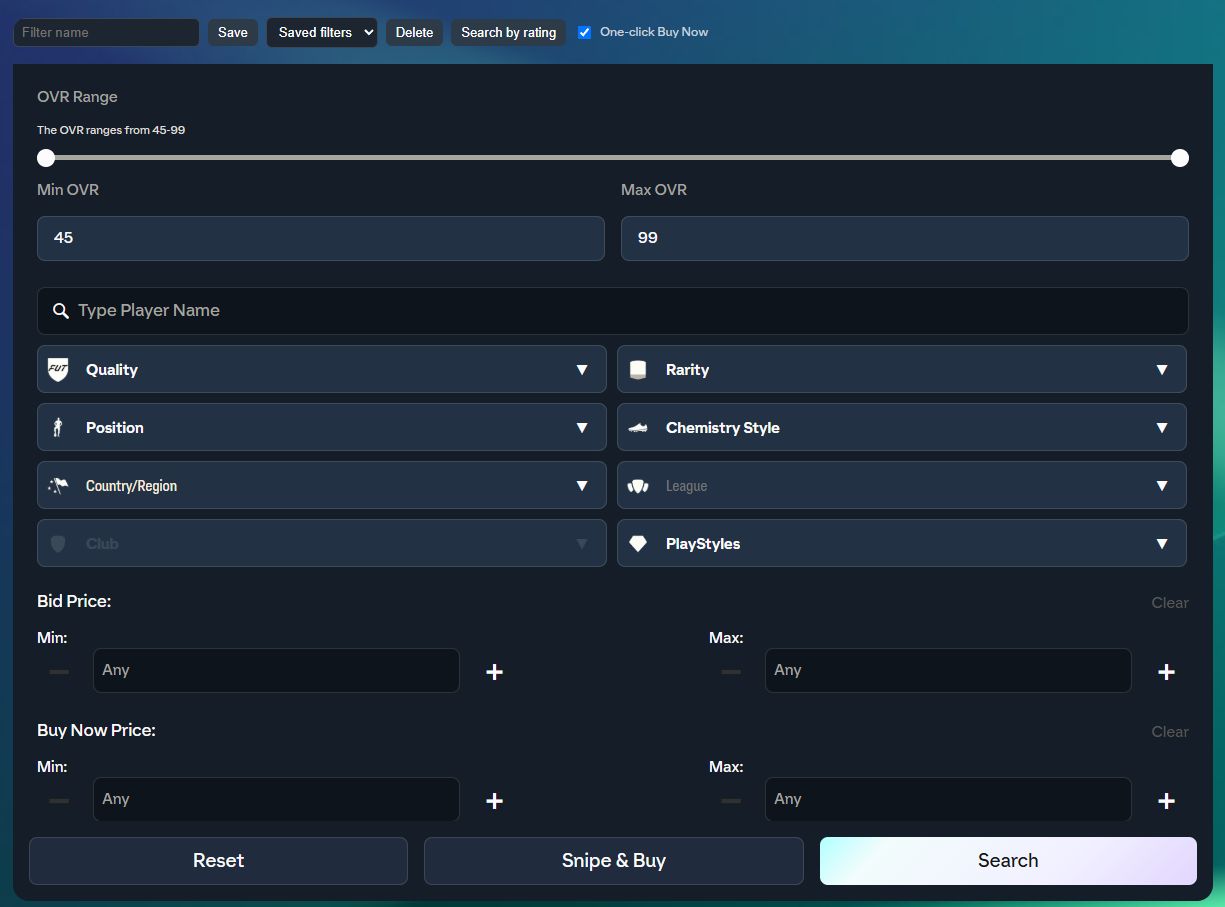
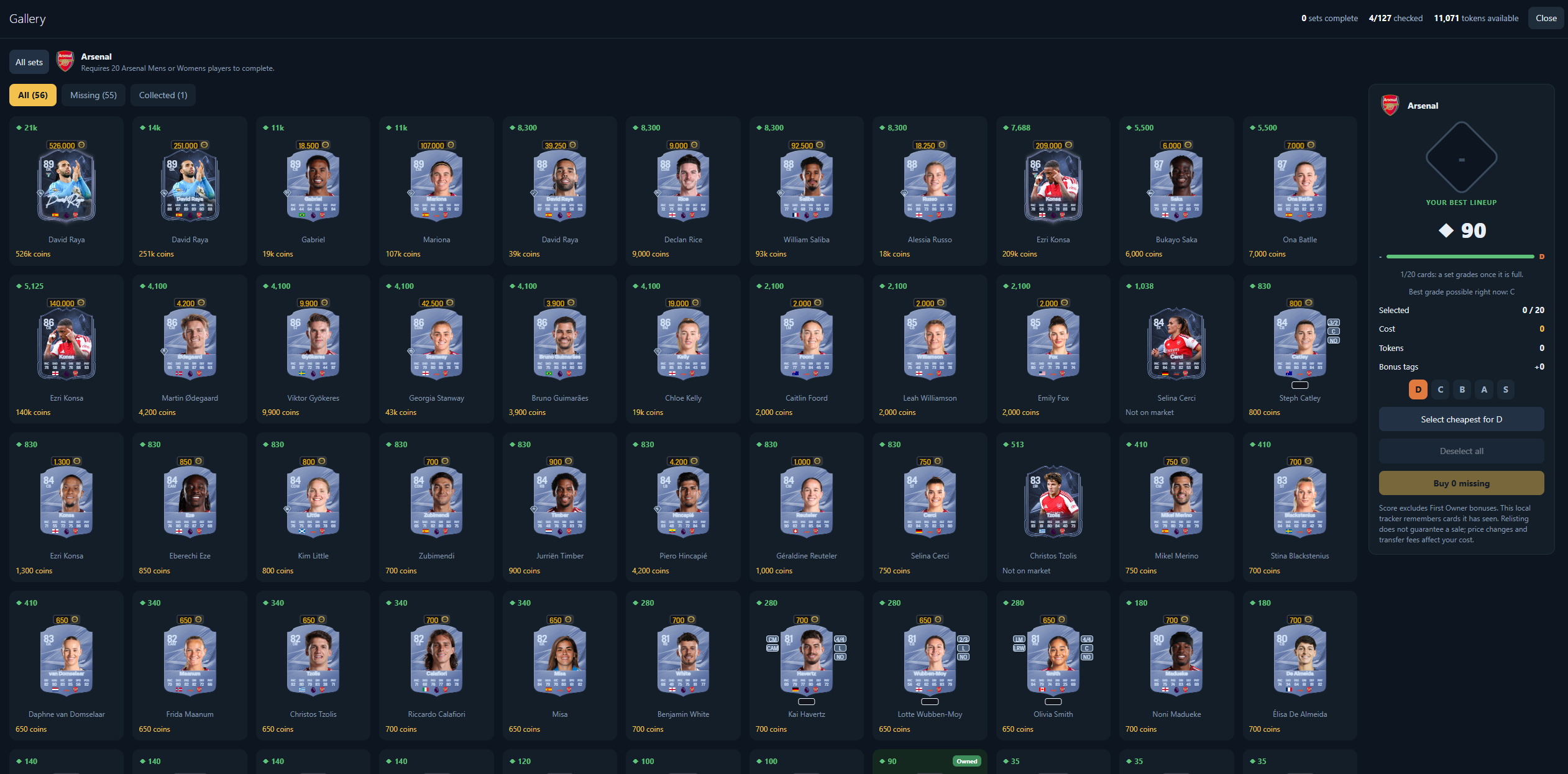
FUTLoom adds shortcuts to the screens you already use in the EA FC web app.
Save your search filters, browse players by rating and view card prices. Snipe & Buy searches once and attempts to buy one player within your price limit.
Fill Squad Building Challenges using players already in your club. Choose which players to exclude, then check the completed squad before you submit the SBC.
See which players you own in each Gallery collection and which cards you still need. Track your collection as you add players to your club.
Available to everyone
Use every implemented FUTLoom tool without a subscription or a FUTLoom account. The website may display ads to support the project.
One free version with all the tools.
$0No subscription
Now on the Chrome Web Store
All implemented tools are available to everyone. There are no paid feature limits, and the extension does not display ads. The website may display ads.
Screenshots show the current FC27 interface. Third-party tools can conflict with EA’s rules, so use your own judgement.
No. All implemented extension tools are free. Website accounts are optional.
No. It adds club, squad and market tools to the web app. It does not control matches.
No. Each click starts one search and attempts at most one purchase within your Max Buy Now limit. Uncertain purchases should be checked in Unassigned before you retry.
No. It prepares and saves a squad after validation. Review your players in EA before submitting.
Chrome updates FUTLoom automatically and your settings carry over. There is nothing to reinstall.
No. FUTLoom is independent and is not affiliated with EA, FUTGenie or its data providers. Web-app updates can affect compatibility. No account-safety or profit guarantee is made.